Real tools. Real projects. Real skills. Ages 9–13.
Why this course
Minecraft mods, racing games, fantasy adventures — motivation is built right in.
Children learn to discuss, prompt, review and critique AI output — the skill that matters most.
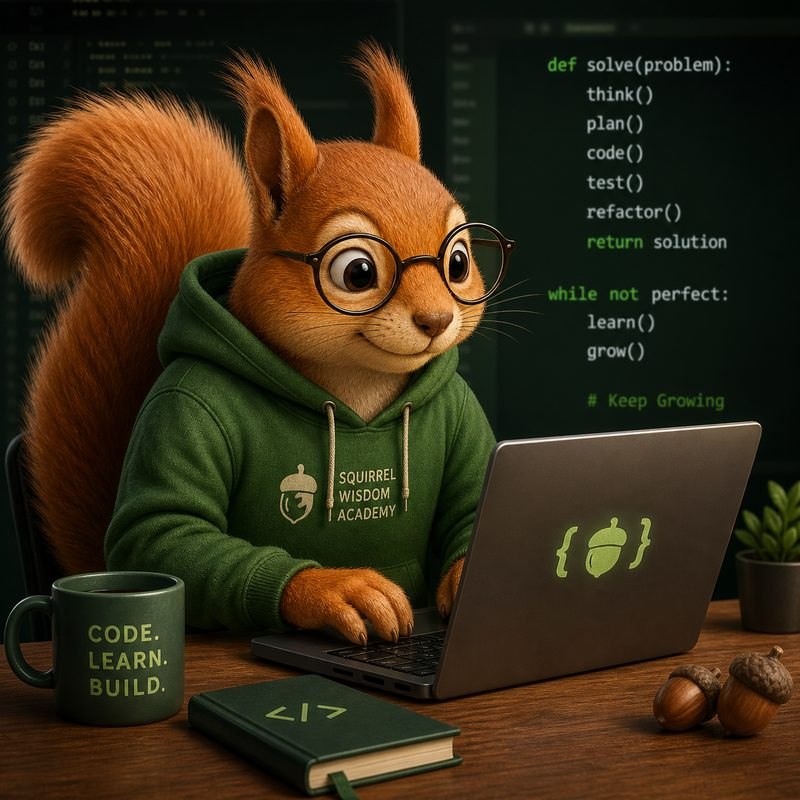
VS Code, Git, ChatGPT, Claude — the same stack used by real developers.
Group problem-solving in class, personal creativity at home.
How it works
Lesson 01 · Minecraft
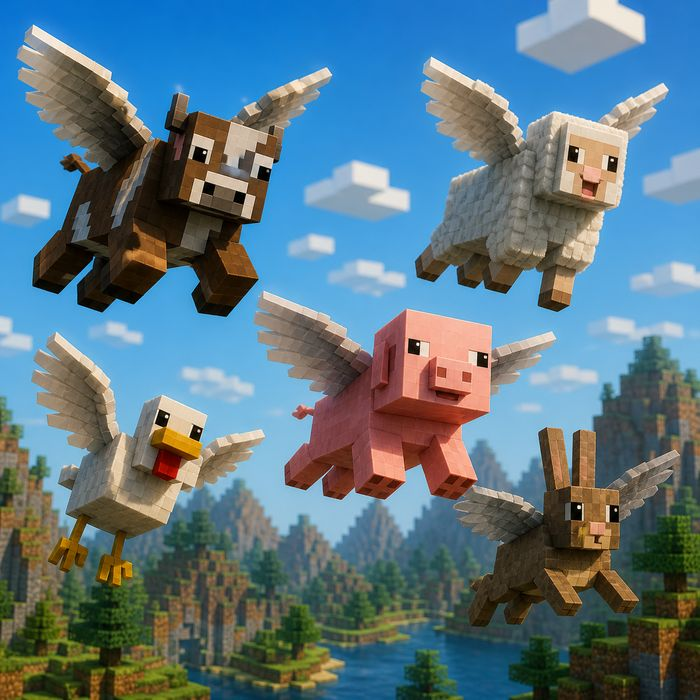
🐄We build a Minecraft mod that makes animals fly — and bounce off each other following the law of reflection: angle of incidence equals angle of reflection.
What happens when billiard balls collide? How do angles work?
Ask Claude to write the mod code, step by step.
Run it in Minecraft, find bugs, improve the behaviour.

Lesson 02 · Pixel Art & 3D
🎨Using Blockbench, the group designs a custom mob — pixel art texture and 3D model — then adds it to the physics mod from Lesson 1. It flies and bounces too.
Draw the creature texture pixel by pixel in Blockbench.
Export the model and texture, connect to the existing mod.
Each student can design their own personal character.
Lesson 03 · Git + Mechanics
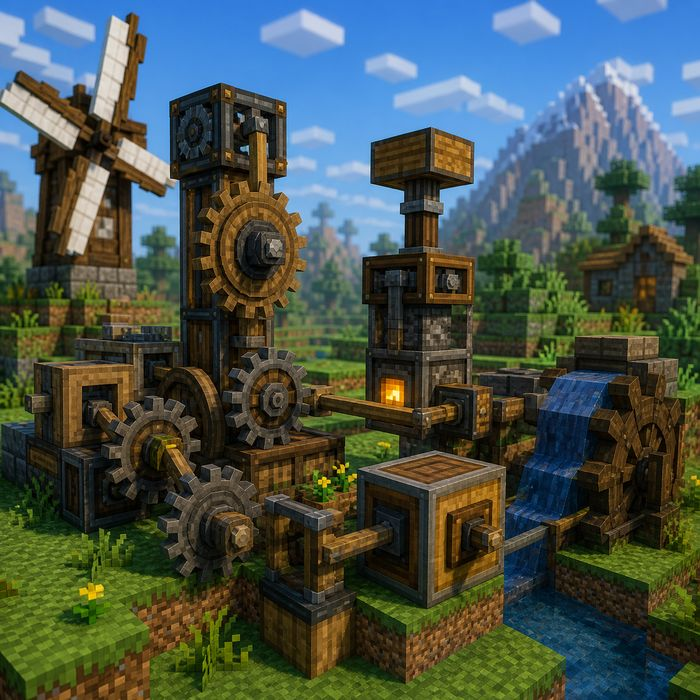
⚙️We introduce Git — version control used by every professional developer. Then we commit our two existing mods and start a new one: rotating gear artifacts with motion transfer mechanics.
Save snapshots of your work. Never lose progress. See your history.
Add rotating gear items to Minecraft. Begin building motion transfer.

Lesson 04 · Theory + Minecraft
🖥️We finish the gear motion transfer mod, then pause to understand what's happening inside the computer. Gears make a perfect metaphor: motion transfer → data flow, gears → system components.
The brain — processes instructions one by one.
Fast temporary storage while the program runs.
Just like gears transmit force, components pass data.

Lesson 05 · Web Games Begin
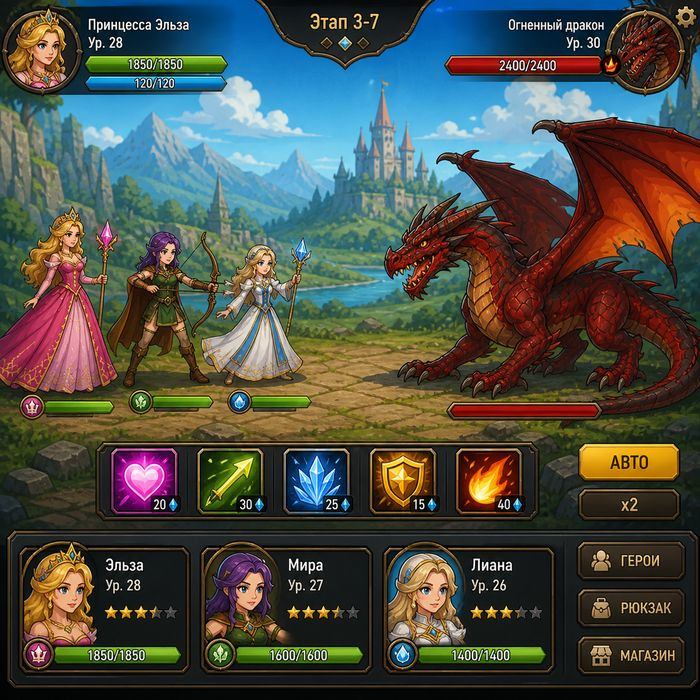
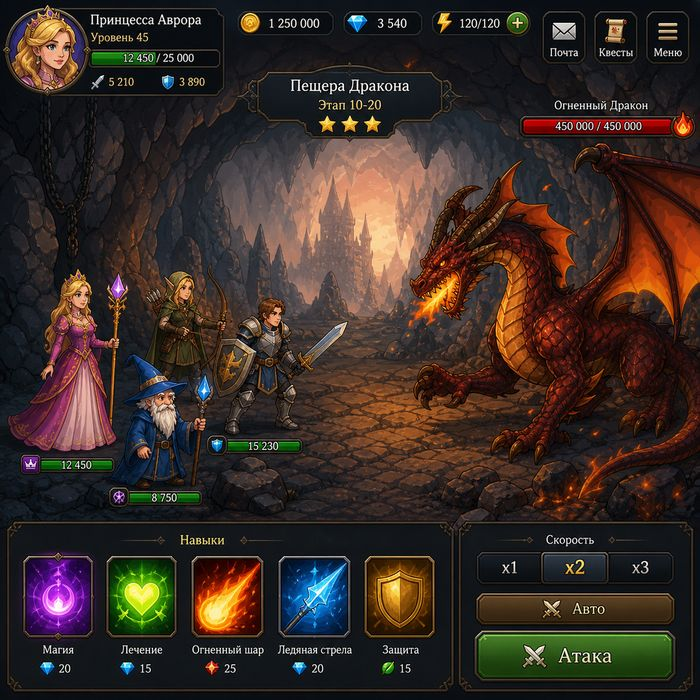
🐉We switch from Minecraft to the browser. We create the graphics for our Princesses & Dragons game and explore how code actually executes — continuing our computer architecture journey.
The three layers of every web page and browser game.
From text you write to pixels on screen — step by step.

Lesson 06 · First Web Game
👸We finish building the Princesses & Dragons browser game. By the end of this lesson, the group has a fully playable game made with real web technologies.
How a game updates and redraws 60 times per second.
A complete, playable game — built by the group together.

Lesson 07 · Racing Game
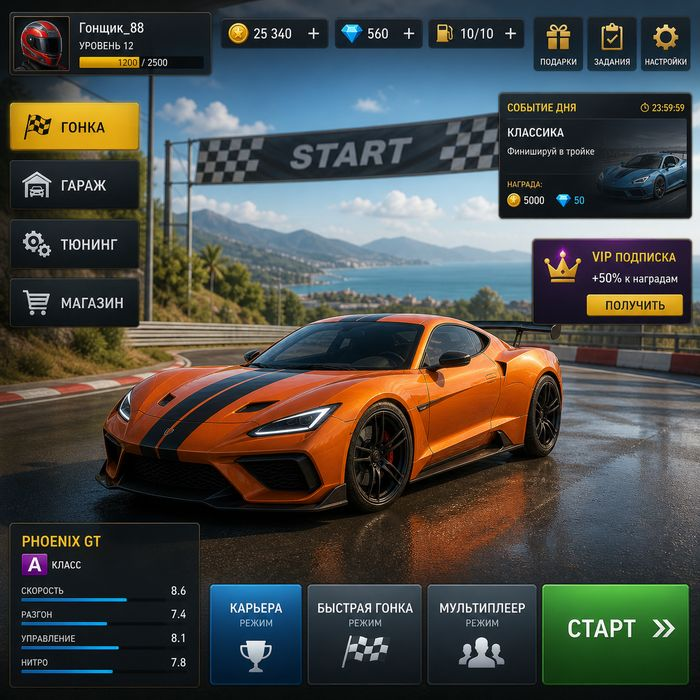
🏎️We start building a browser racing game. Cars, a track, collision detection between vehicles — lots of graphics and physics to implement in JavaScript.
Draw the race track and vehicles using canvas graphics.
Detect when cars hit each other and react realistically.

Lesson 08 · Finish Line
🏆We complete the racing game — adding statistics, lap times and a scoreboard. Then we celebrate: every student receives a course completion certificate.
Track lap times, display a live leaderboard during the race.
Course completion certificates for every student.

What your child walks away with
Write effective prompts, evaluate AI output critically — not blindly trust it.
Real programming language through Minecraft mod development.
HTML, CSS, JavaScript — how websites and browser games are built.
Save progress, track changes, work like a real developer.
Understand what's happening inside the machine, not just on screen.
Design game characters in Blockbench and bring them to life in code.
Practical details
Your child's first real coding adventure starts here.